
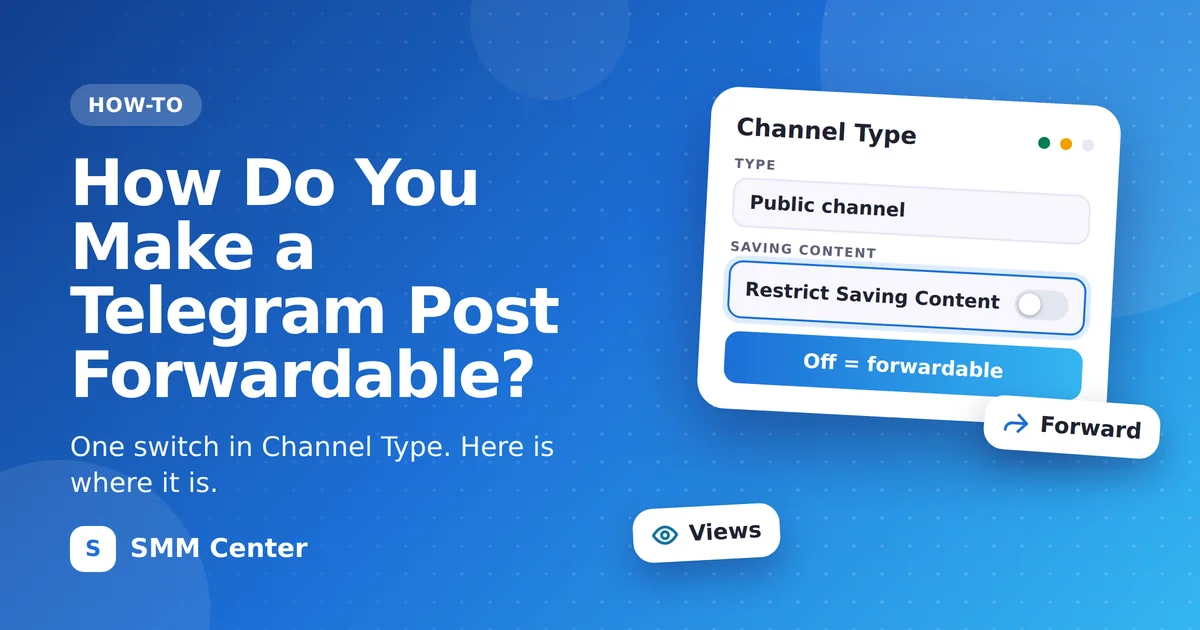
To make a Telegram post forwardable, the owner of the channel or group opens its info page, goes to Channel Type (or Group Type) and switches off Restrict Saving Content. After that, members see the forward button on every post again.
What does the switch change?
Tap the switch in the example and watch the post on the right.
A simplified drawing, not a screenshot of Telegram.
How do you switch off Restrict Saving Content?
What does Restrict Saving Content block?
Three things, according to Telegram.
How do you know the post is forwardable now?
Ask someone who is not an admin to look, or open the channel from a second account. That is the view your members get.
Is this the same as the Forwarded Messages privacy setting?
No. They are two different settings.
Privacy and Security. Decides whether a forwarded message links back to your profile. It does not stop forwarding.Which free tools need a forwardable post?
Two of the three free Telegram tools on SMM Center.
With the reactions tool, an order for a restricted post is still registered, but nothing arrives. Switch the restriction off first, then start the timer. All tools are listed on the free services page.
Questions about forwardable Telegram posts
Who can switch off Restrict Saving Content?
Only the owner of the channel or group. Other admins do not see this switch as something they can change.
Does it work the same way in groups?
Yes. In a group the setting is under Group Type instead of Channel Type.
Does switching it off make a private channel public?
No. Public or private is a separate choice on the same screen. This switch only controls saving and forwarding.
Do I have to change every post?
No. The switch applies to the whole channel or group, so every post becomes forwardable at once.
Can I switch the restriction back on later?
Yes, at any time. If an order is running for a post, wait until it is completed first.
Source for the setting name, its location and what it blocks: Telegram, Protected Content in Groups and Channels, 7 December 2021.